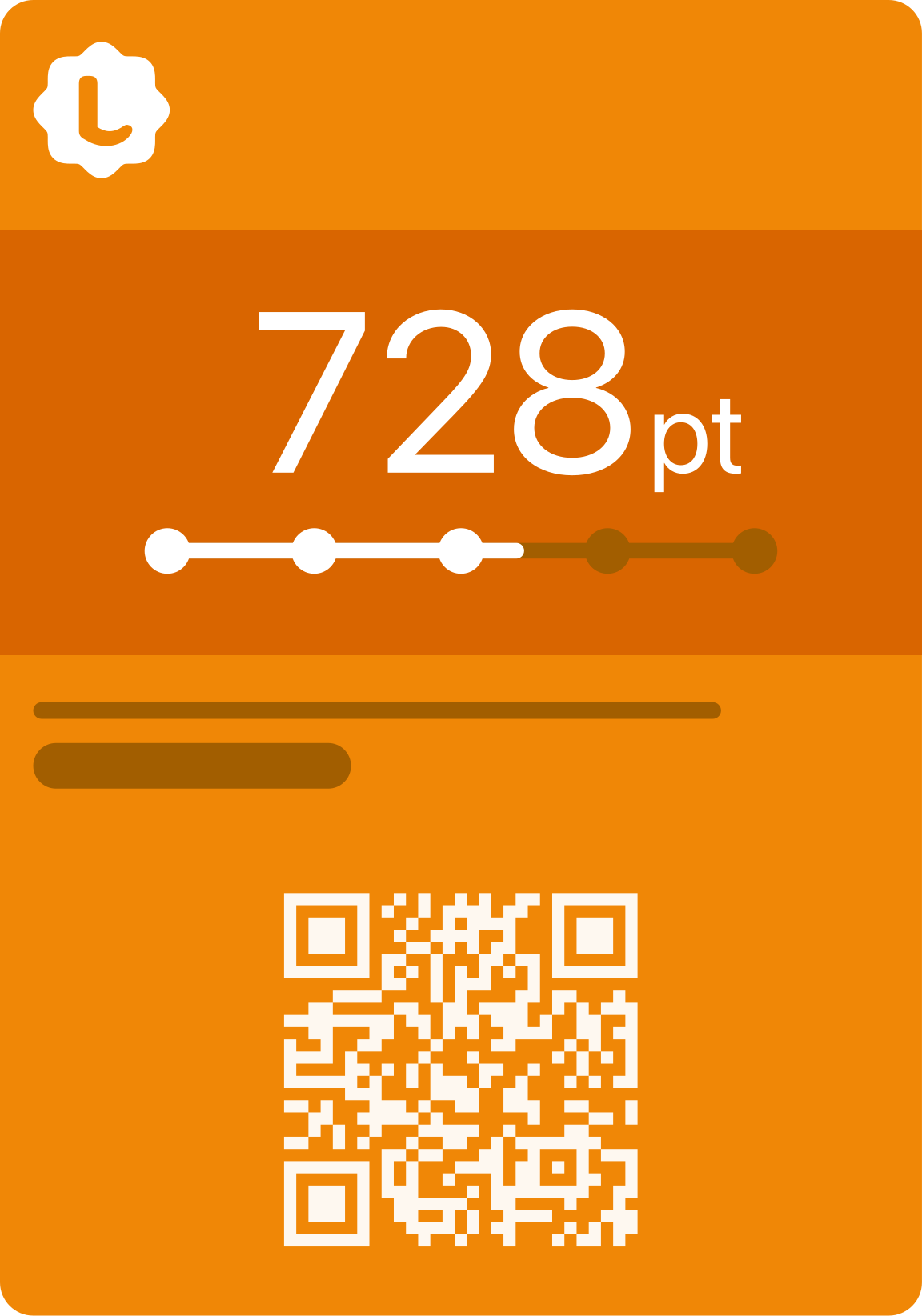
01
At the counter
The customer scans the QR code.
They sign up on their phone and get the card without downloading another app.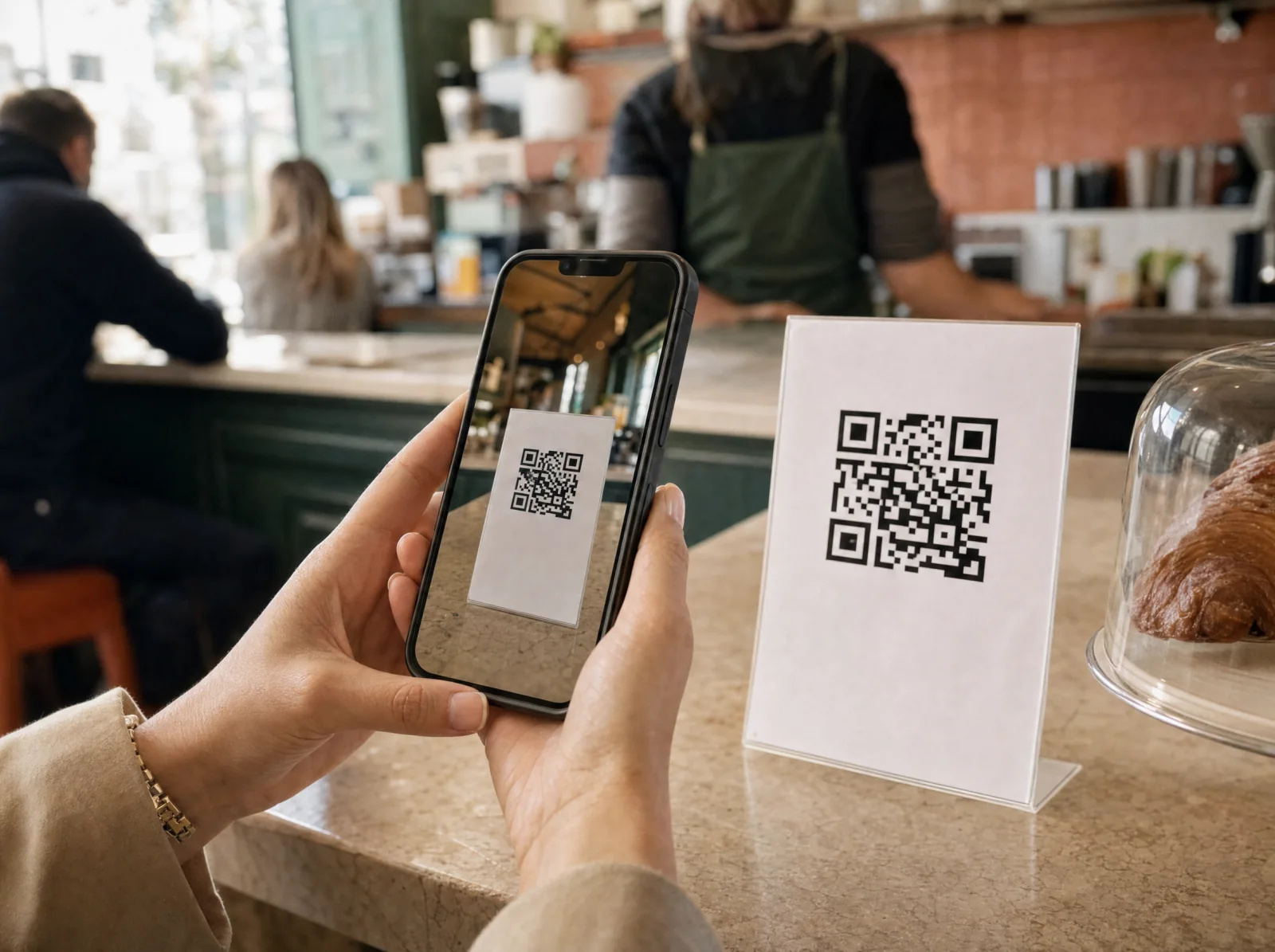
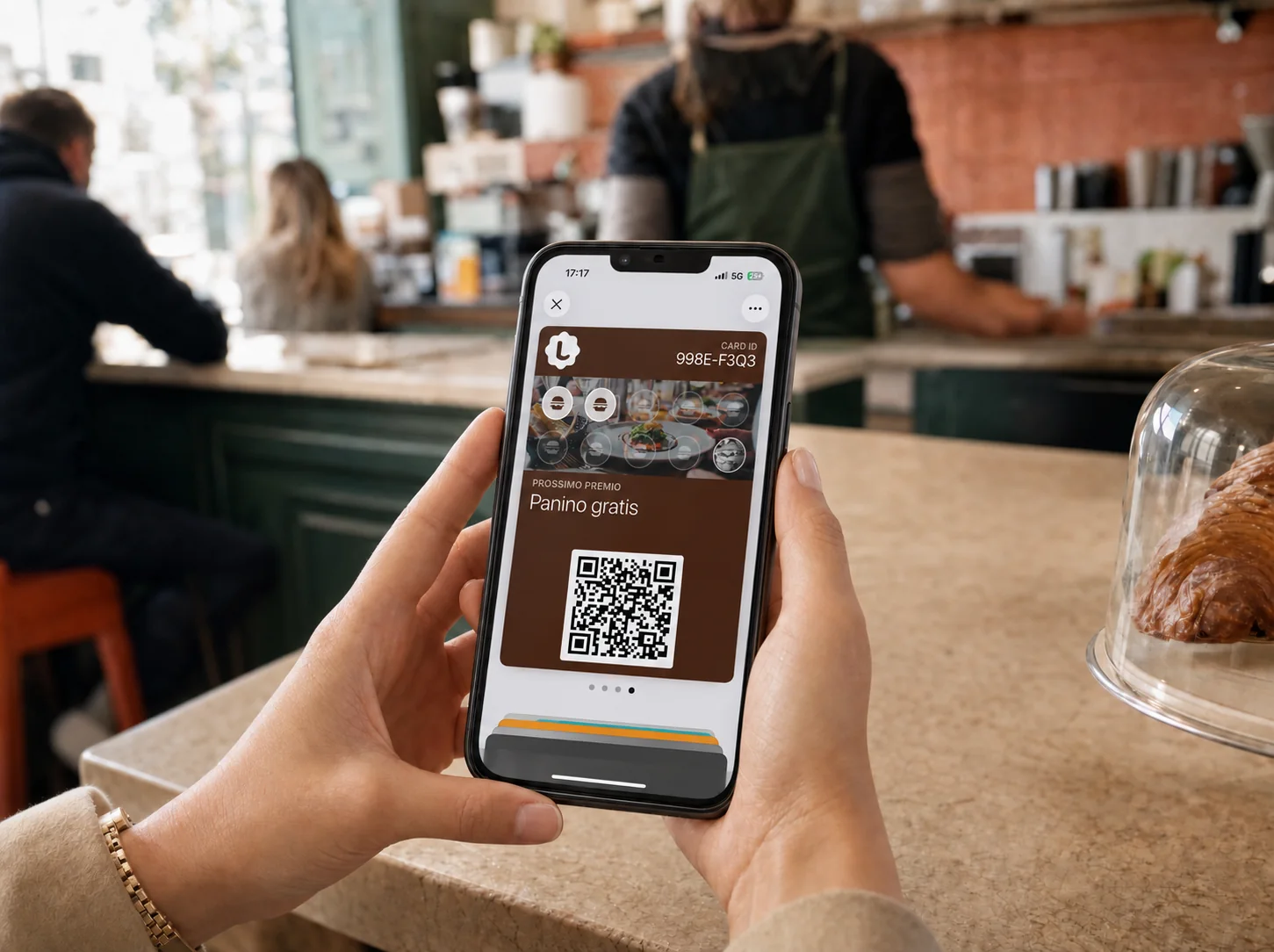
Customers save it in the Wallet they already use. Your staff only has to scan, even when the venue is busy.Customers save it in their Wallet. Staff scan it.
7-day free trial

 Apple Wallet
 Google Wallet
Customers use the Wallet they already have. Staff use their own phone. Checkout keeps moving.
At the counter
On the phone
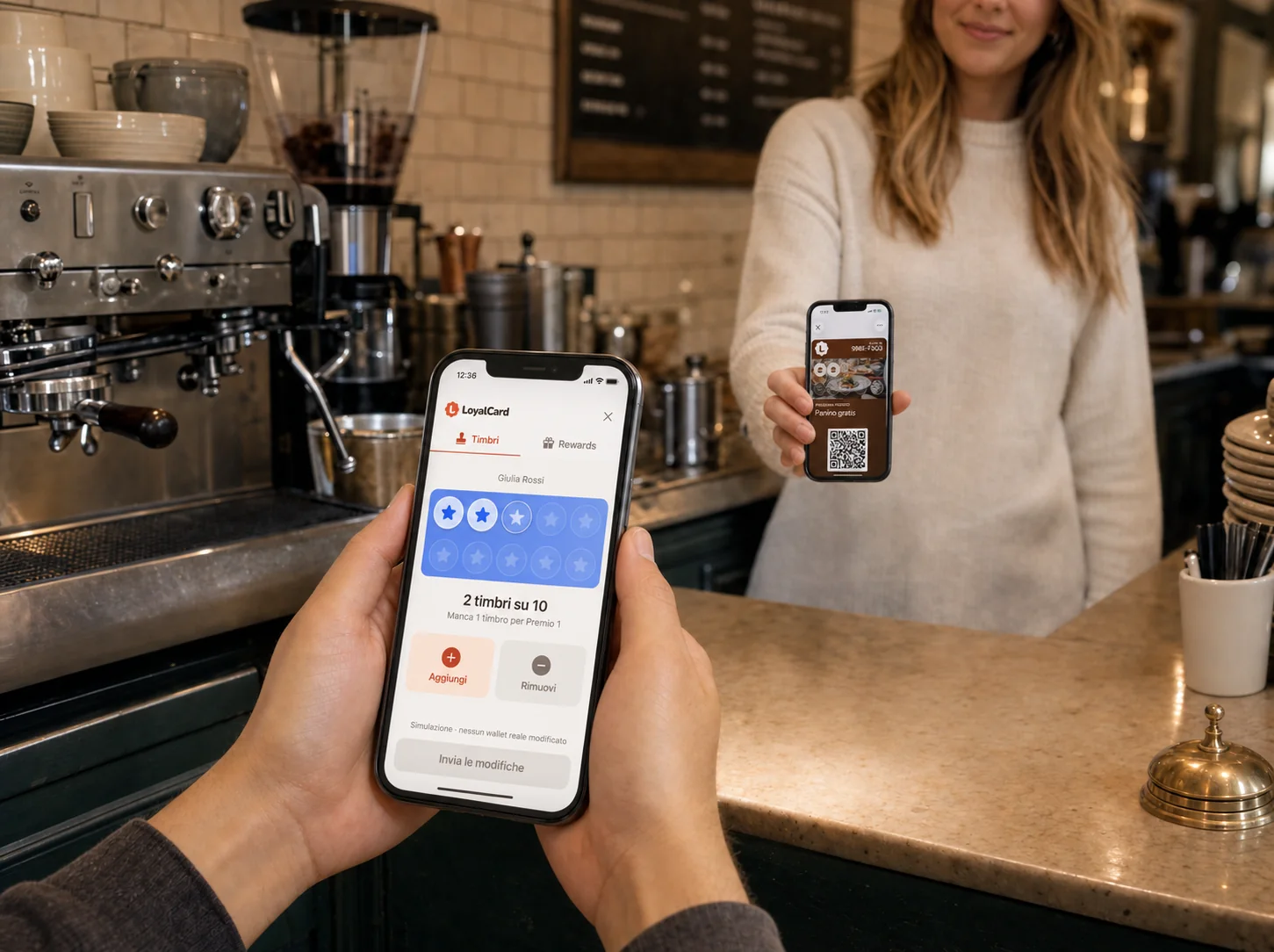
At the checkout
Your Wallet card can reappear near each venue with a reward, an update or just the right reason to walk in.Your card can reappear in the Wallet with the right message.
Ready-to-use messages:
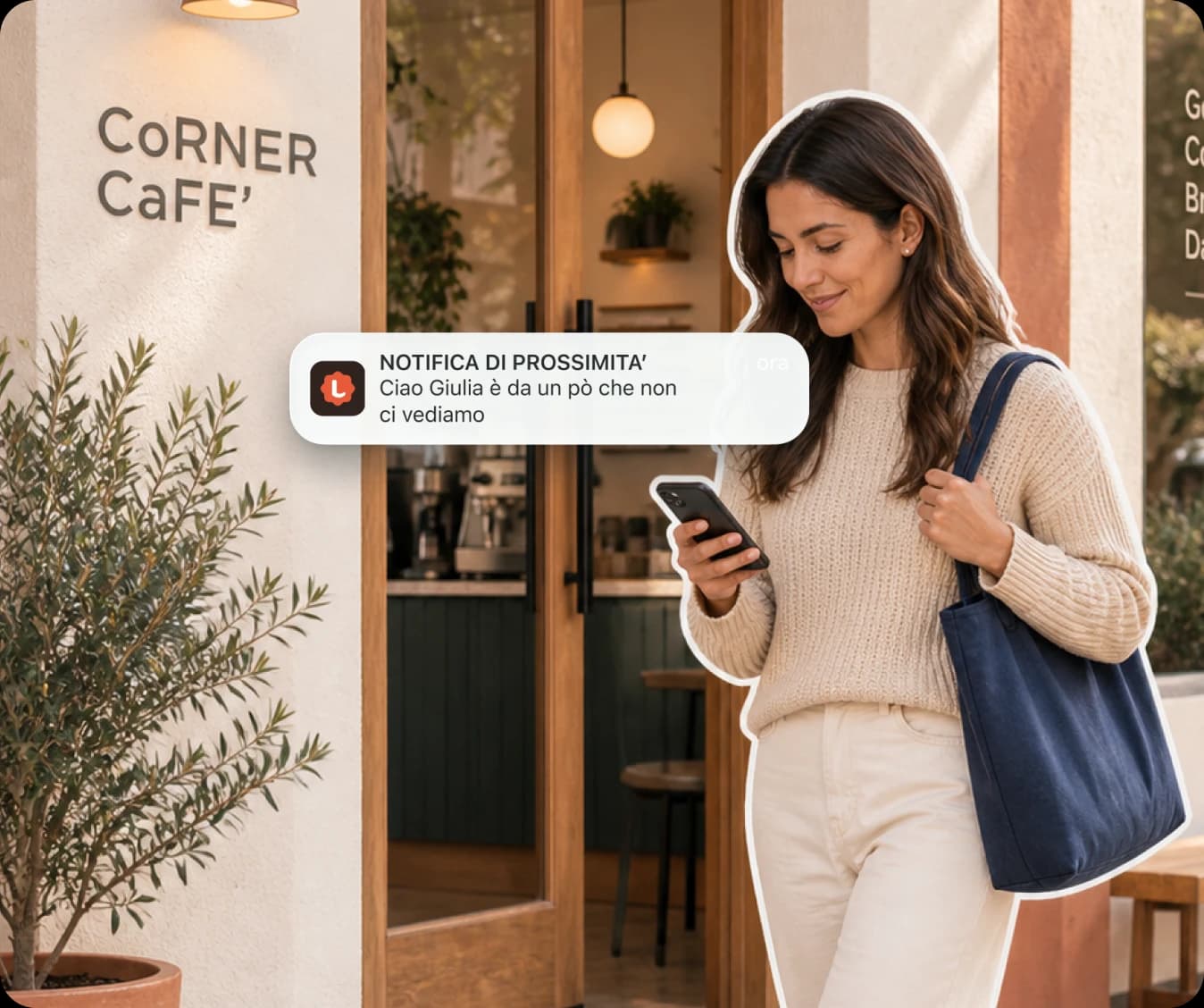
Push notifications
 Gelato 1980nowOne step closer to another flavorYou have 7 stamps. You need 3 more for your gelato.
After every scan, the card updates in Wallet and shows stamps, points, and progress toward the next reward.
Gelato 1980nowOne step closer to another flavorYou have 7 stamps. You need 3 more for your gelato.After every scan, the card updates in Wallet and shows stamps, points, and progress toward the next reward.
7 days in your venue
Try it during service, at peak times, and over the weekend. You get immediate access to the product so your whole team can test it.Try it during real service, including the weekend.
Talk to usSet up the program, display the QR code, and add the first stamp from your phone. In just a few minutes, you can see the customer's complete journey.
Get the whole team involved: each employee tests scans and stamps from their own phone during normal work.
Try it during real service: test scans, stamps, and rewards even when the venue is busy.
 Designed for the whole team
 “Easy to use”
No cards to remember. No app to download.
Choose what to compare and see what changes for customers, staff, and your business.
Once the purchase is complete, there is no goal encouraging customers to return.
Every visit brings the customer closer to a visible reward.
The customer cannot see how far they are from the next benefit.
Stamps and the goal are always visible in Wallet.
After the visit, everything depends on the customer remembering you.
The venue’s card stays on their phone even after the purchase.
Without a card, visits do not build a shared balance.
Every rewarded stamp creates a digital record.
Goals and benefits must be remembered and explained every time.
The customer knows which reward they can earn and how far they have to go.
It is the setup-free choice, but it does not create a loyalty program.
The customer signs up and saves the card to Wallet.
Simple answers, from the first scan to the bill. Or let’s talk directly.
It’s your venue’s digital loyalty card. It lives in Apple Wallet and Google Wallet and lets you manage stamps or points, rewards and communications without paper cards.
No, not for the standard flow. Staff use the management app on their smartphones to scan the customer’s QR code and update the card.
Yes. You can choose the name, logo, colours, background, goal and reward. LoyalCard stays behind the scenes: customers see your venue’s brand in their Wallet.
Create your venue, customize the card and print the QR code to display at the counter. Customers can then sign up and add the card to their Wallet.
Open Scan in the management app, scan the customer’s personal QR code and confirm in the pop-up. The stamp is added and the card updates automatically.
After scanning, enter the receipt amount. LoyalCard calculates the points and shows them before confirmation, so you can check everything in one step.
Nothing until you confirm. The pop-up always shows a summary, and you can cancel before any stamps or points are recorded.
Before confirming, you can cancel without changing the balance. If the transaction has already been recorded, it currently cannot be corrected from the pop-up: contact support.
After confirmation, you immediately see the new balance, the goal and how many stamps or points are still needed. When the threshold is reached, the app clearly notifies staff.
No. They scan the venue’s QR code and save the card to the Wallet they already use on their phone. The LoyalCard app is only for the owner and staff.
They scan the QR code displayed at the venue, complete a short registration and choose Apple Wallet or Google Wallet. No physical cards are needed.
Yes. The flow supports Apple Wallet on iPhone and Google Wallet on compatible Android devices.
Yes. Once staff confirm, the balance and progress towards the reward are updated directly on the card in the Wallet.
From the dashboard, write the title and message, check the preview and confirm. The notification appears in the Wallet of the venue’s active customers and remains saved in the history.
Only the owner can confirm a send; staff can view the history. To protect customers, you can currently send no more than one notification per hour.
You can send immediately, choose a date and time, or save the message as a draft. There is no automatic duration; delivery still depends on the Wallet, the device, and the customer's settings.
The venue’s location can help the Wallet suggest the card nearby. Timing and distance are not an advertising radius you can set by the metre: they depend on the device’s rules and permissions.
The Single location plan costs €40.90 + VAT every 4 weeks: €49.90 charged in total. You get a 7-day free trial with no card and immediate access to every feature. Choose your plan whenever you like: the first charge only happens when the trial ends.
The selected period’s price is multiplied by the number of locations, with no automatic multi-location discount. Single location and Multi-location include the same features. For more than 10 locations, we provide a custom quote.
Quarterly costs €126.15 + VAT, Half-yearly €239.26 + VAT and Annual €450.74 + VAT per location. Approximate savings are 5%, 10% and 15%. The selected period is paid in full upfront and renews automatically.
The price list initially shows prices excluding VAT; you can enable “Include VAT” to see the total with 22% VAT. SMS and WhatsApp, if enabled, are charged separately.